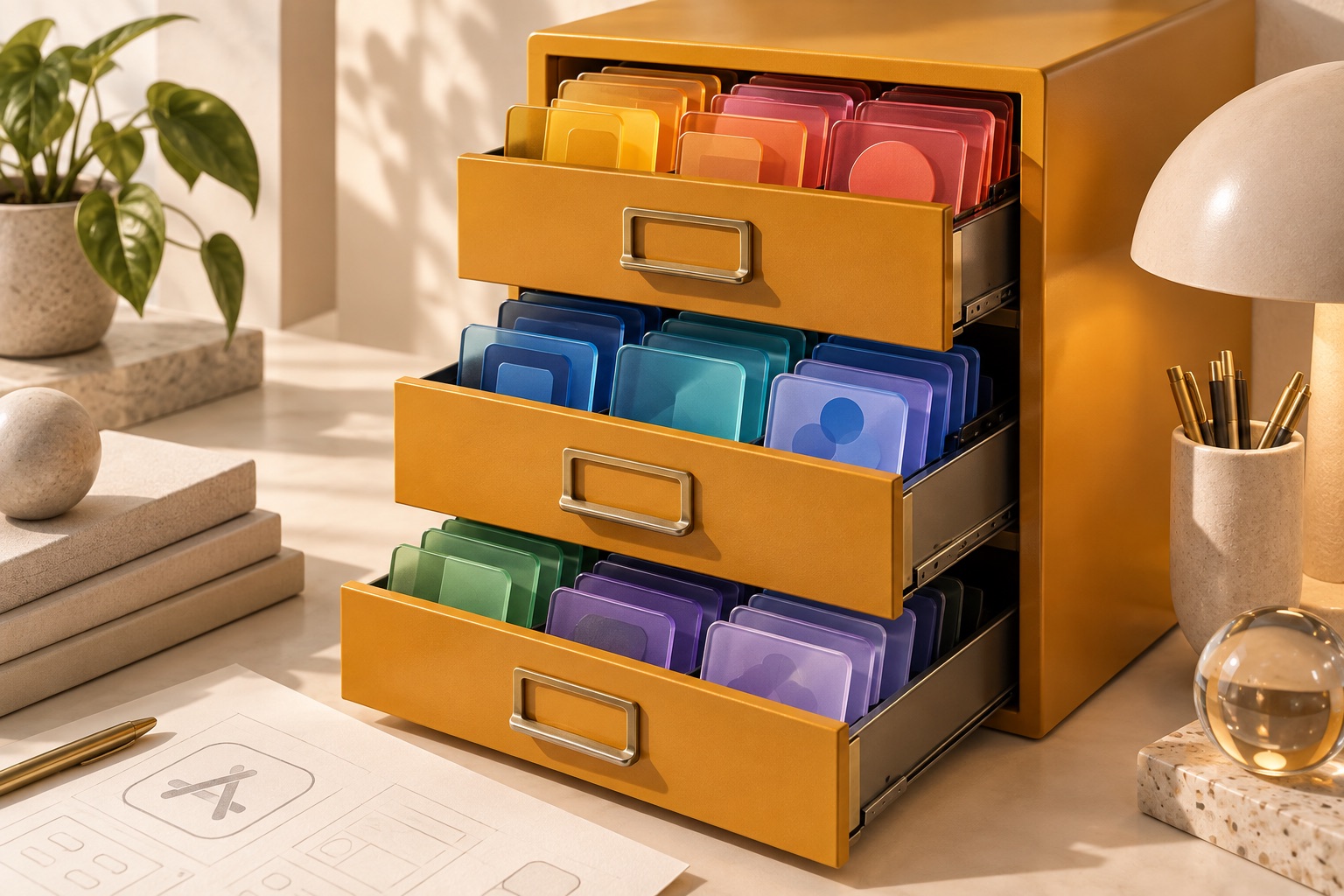
The workflow
- 01Color tokens
- 02Four appearances
- 03Asset catalog
- 04App verification
Make colors explicit
Asset generation is a shipped workflow in ios-agent-mcp 2.7.0. It converts a strict JSON token file into a new asset catalog locally. It does not require Figma, an AI model or an API key. Start with semantic names rather than scattering literal colors through SwiftUI views.
{
  "version": 1,
  "colors": {
    "AccentColor": {
      "light": "#2457DB",
      "dark": "#90B4FF",
      "highContrastLight": "#12358F",
      "highContrastDark": "#C7DAFF"
    }
  }
}
Generate a new catalog
npx -y ios-agent-mcp@latest assets --tokens tokens.json --output App/Assets.xcassetsThe parent directory must exist. The generator refuses to overwrite an existing catalog. Generate a sibling catalog when reviewing changes, compare the output and merge only the intended assets.
Choose every appearance deliberately
All four color appearances are required; the generator does not invent a dark-mode conversion. Names must be ASCII identifiers and unique ignoring case, with AccentColor present. Values use the documented sRGB hex format. Check contrast against the actual background rather than assuming a high-contrast token name guarantees readability.
Keep icon layers editable
New app scaffolds can retain editable SVG layers and render their composition as an opaque 1024-pixel PNG. Customize placeholder shapes before distributing an app. A flattened PNG is not a native Liquid Glass Icon Composer bundle, and generating it does not certify App Review acceptance.
Inspect in context
Use the named assets in the app, build it and inspect light, dark and higher-contrast appearances. The generator handles catalog structure; you still verify the visual result and accessible usage. Keep these checks in your acceptance criteria so a later design change does not silently undo them.
Full token schema and icon workflow
Decision checkpoints
| Situation | Action or status | Evidence or boundary |
|---|---|---|
| Light and dark | Explicit token values | Inspect both appearances |
| High contrast | Two additional explicit values | Measure against real backgrounds |
| Existing catalog | Generate a sibling output | Review and merge intentionally |