A maintainable UI test drives stable identifiers and waits for observable state. Arbitrary sleeps can hide timing assumptions while making the suite slower and less reliable.
- 1Launch isolated state
- 2Perform action
- 3Wait for condition
- 4Assert outcome
Work through the example
Give test data a separate store and ensure repeated runs do not depend on a previous test's items.
Start with a disposable branch and synthetic data. Write the expected outcome before changing the implementation, then keep the first failing result. This prevents a later repair from quietly redefining the task. The procedure below is grounded in the repository reference; its examples must still be checked against your project and installed toolchain.
Implementation reference
The following focused section is adapted from the maintained project guide. It preserves the source’s examples and limitations.
Pattern
Stabilize UI tests with accessibility identifiers at meaningful boundaries:
Button("Continue") {
    viewModel.continueTapped()
}
.accessibilityIdentifier("onboarding.continue")
Then test the user path, not the view hierarchy:
import XCTest

final class OnboardingUITests: XCTestCase {
    func testContinueOpensHome() {
        let app = XCUIApplication()
        app.launchArguments = ["--ui-testing", "--mock-state=first-run"]
        app.launch()

        app.buttons["onboarding.continue"].tap()

        XCTAssertTrue(app.navigationBars["Home"].waitForExistence(timeout: 2))
    }
}
Acceptance and failure review
| Checkpoint | What to inspect | If it does not match |
|---|---|---|
| Launch isolated state | Confirm the input and environment | Preserve the failure and return to this step |
| Perform action | Inspect the intermediate artifact | Preserve the failure and return to this step |
| Wait for condition | Run the focused check | Preserve the failure and return to this step |
| Assert outcome | Record the observed result | Preserve the failure and return to this step |
Ask the agent to explain the smallest change that resolves the observed mismatch. Keep unrelated refactors out of the repair. A change that makes a warning disappear is not enough if the behavior or ownership contract has changed. Re-run the same acceptance check so the before and after results are comparable.
Evidence and limits
The Reading List suite provides concrete UI coverage; it does not prove the absence of all flakes.
This is an educational guide. Its presence in the series does not certify a completed client-specific lab. The series evidence record separates executed checks from exercises and blocked environments.
Inspect the source used in this lesson.
Recorded sample check
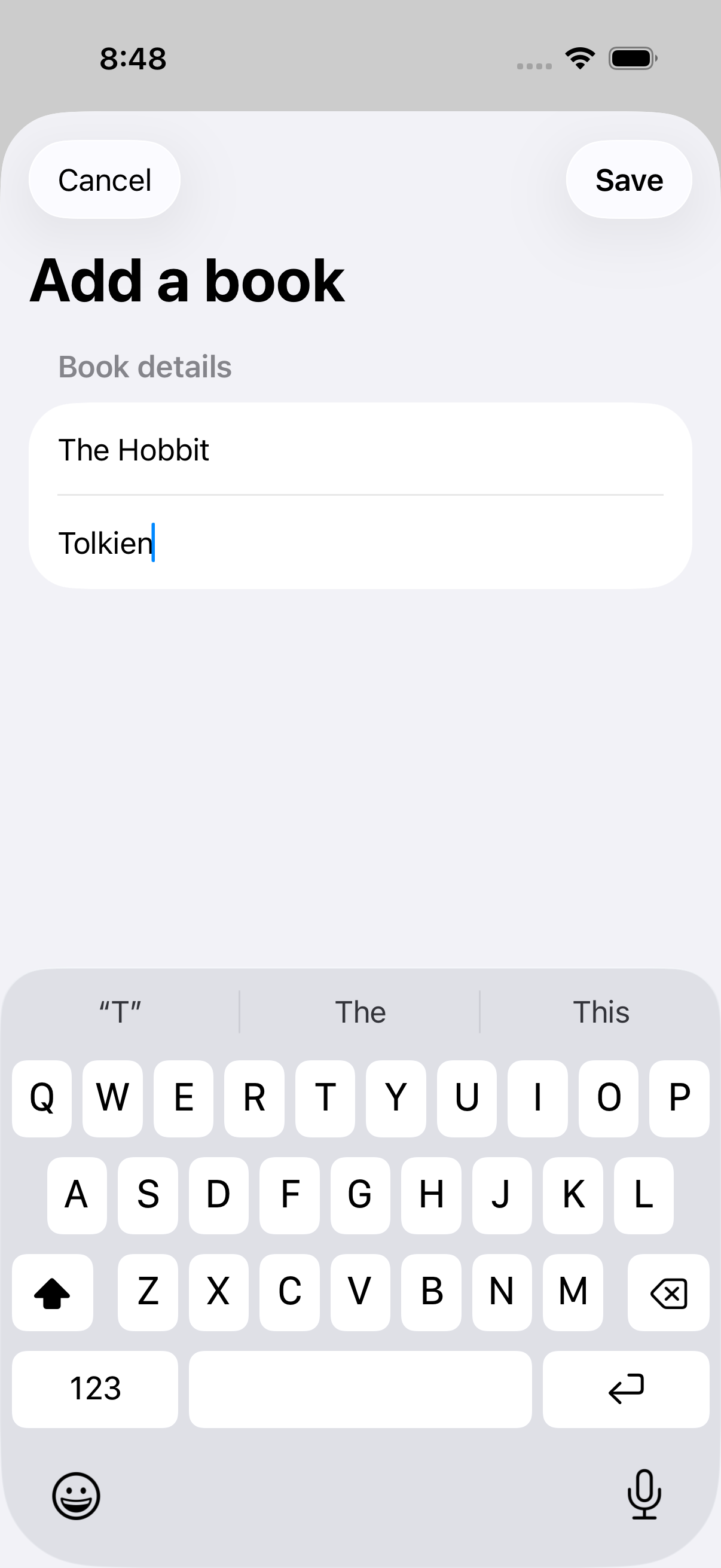
On Xcode 26.6 with an iOS 26.5 simulator, the Reading List verification script passed 3 unit tests and 2 UI tests. It exported six screenshots. This image is one of those outputs, not an AI-generated mockup. The sample uses JSON persistence and does not establish all-client app generation or a complete accessibility audit.
Related reading
- Five checks for an AI-built SwiftUI app
Use persistence, search and accessible states to make “it works” a testable claim.
What to do next
Next: Accessibility review of an agent-built app: the checks that matter